Never miss a critical contract again.
Expected Contracts gives your organization a configurable checklist of must-have contract categories for every property — so site teams always know what's needed and leadership always knows what's missing.
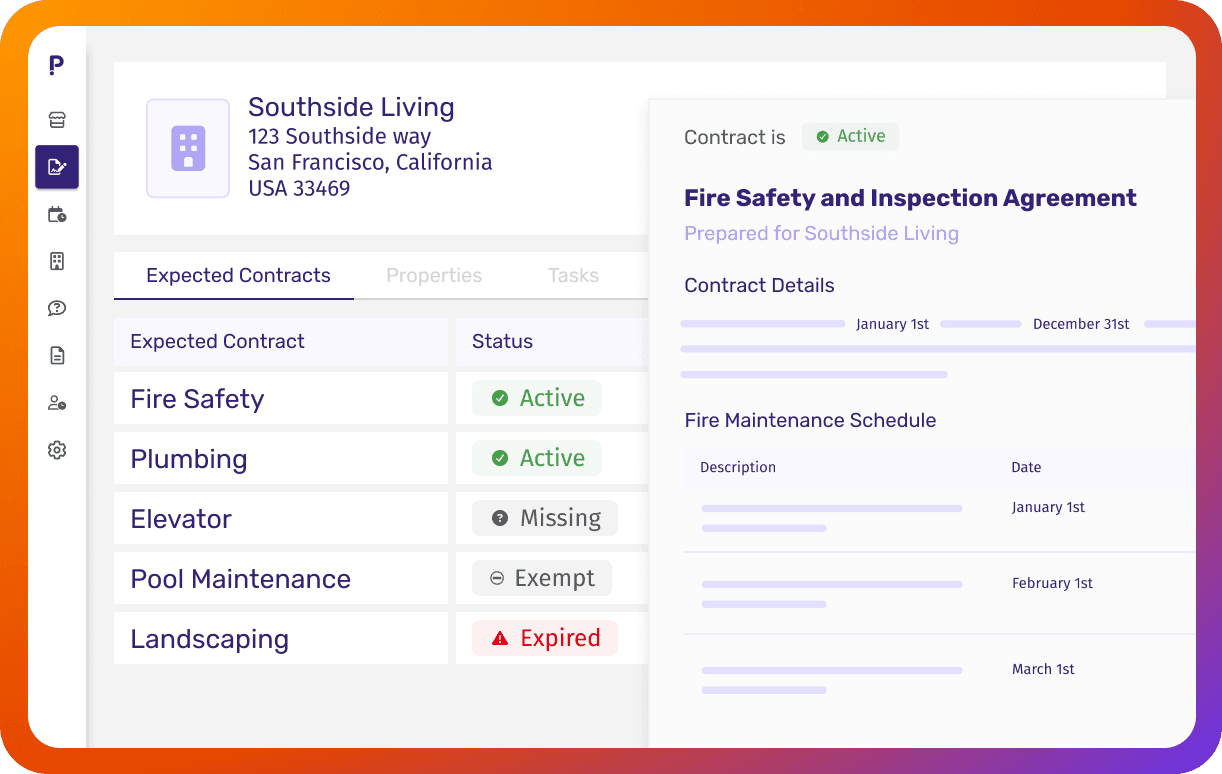
Your portfolio's contract health at a glance
Define what matters
Set the contract categories your organization requires for every community — landscaping to elevator permits and more.
Track coverage automatically
Each property gets a live status for every expected category: Active, Upcoming, Expired, Processing, or Missing.
Get alerted before things lapse
Community and regional managers receive a weekly digest of any expected contract categories that are missing or expired.
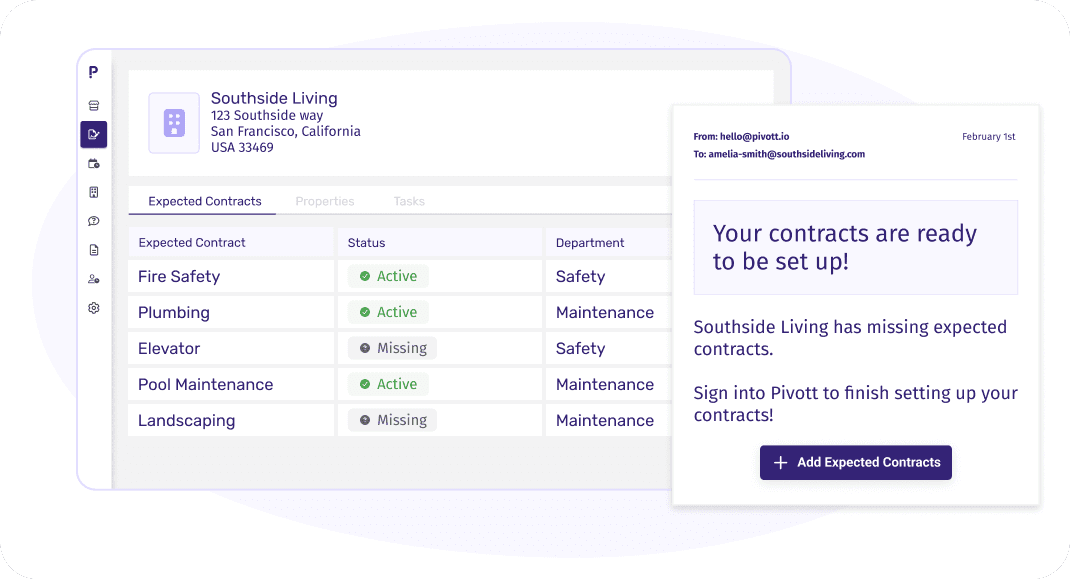
A property-level checklist that keeps teams on track
Every property has its own Expected Contracts tab showing required categories and their current status. Site teams can drag and drop files directly into a category or link contracts they've already uploaded — no guesswork, no hunting.
Learn More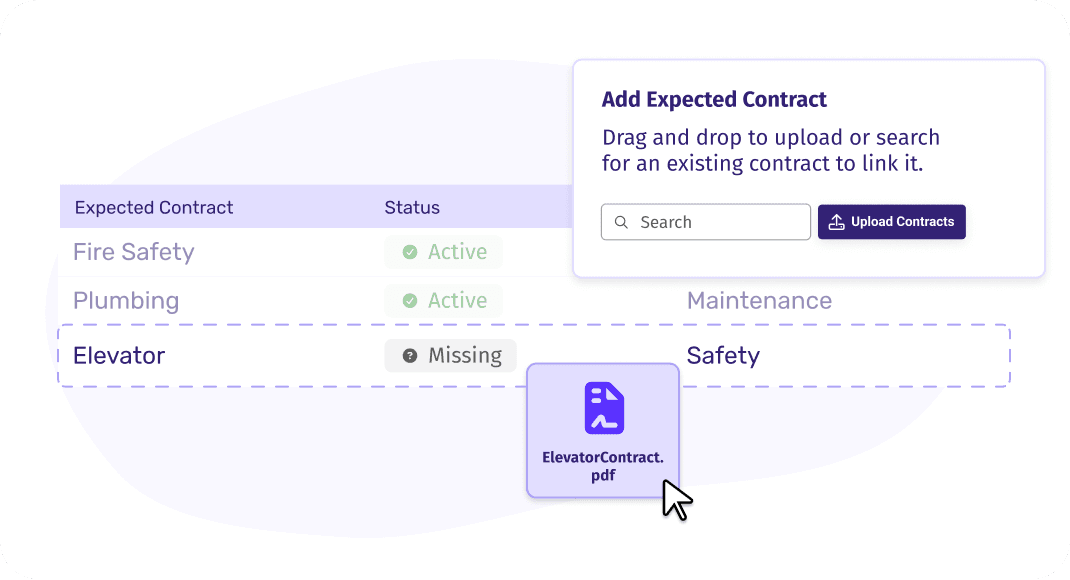
See contract health across your entire portfolio
Regional managers and directors get a portfolio-wide view of which properties are fully covered and which have gaps — without checking each property individually.
Learn More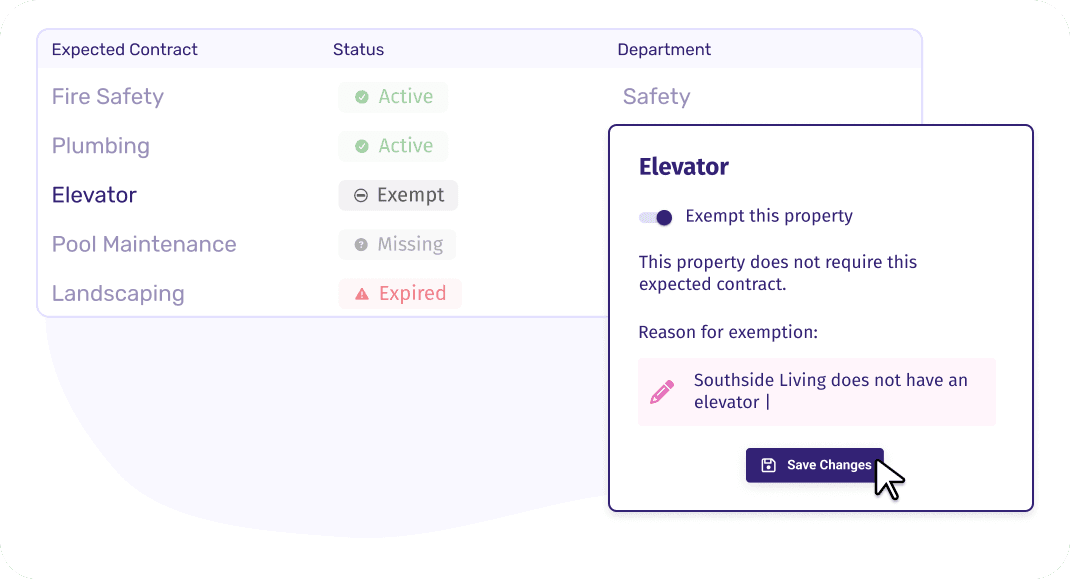
Get notified before coverage lapses
When a required contract category goes missing or expires, Pivott sends an alert to the right people automatically. Nothing slips through the cracks.
Learn MoreContinue the journey
Expected Contracts works seamlessly alongside these features.
