A New Look for Pivott

Tristan Douville
Senior Product Manager
Key takeaways
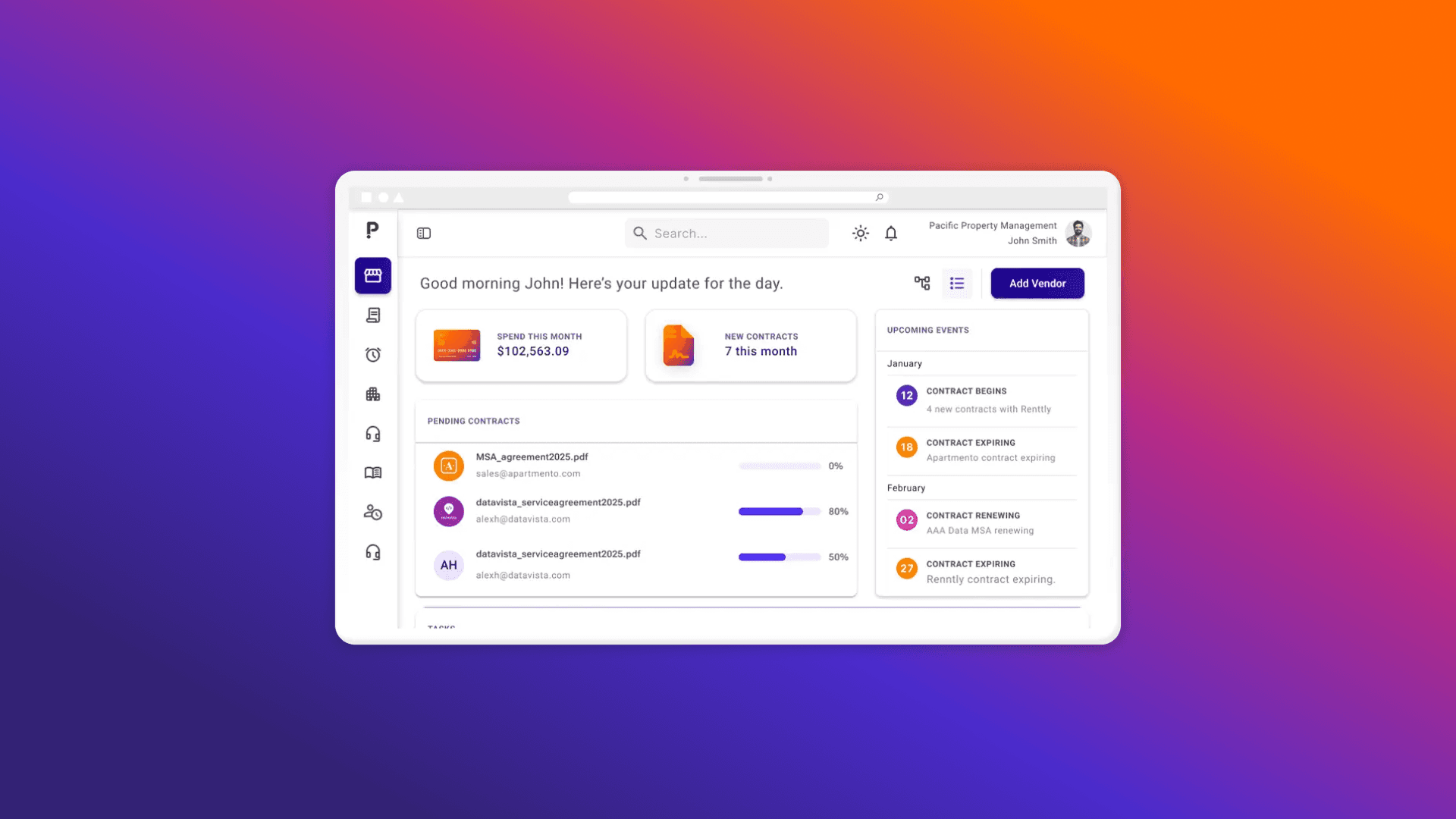
- Pivott's website has been rebuilt from the ground up — faster, more flexible, and designed to grow alongside the platform.
- The login page has a refreshed design that better reflects the Pivott brand.
- The new dashboard gives you an at-a-glance view of your contracts, tasks, and portfolio health right when you log in — with everything scoped to your permissions.
- An updated navigation and sidebar design makes it easier to move through the platform day to day.
Not every product change fixes a specific problem. Sometimes, it's about making sure every surface a user touches reflects the product's vision. This is one of those updates.
Pivott has a new website. The login page has a fresh look. Inside the app, you'll find a brand new dashboard and a redesigned navigation. These changes didn't happen in isolation — they're part of a deliberate effort to give a consistent experience from the first time you log in, to every time we welcome you back.
Here's what's new.
A new website, an elevated Pivott
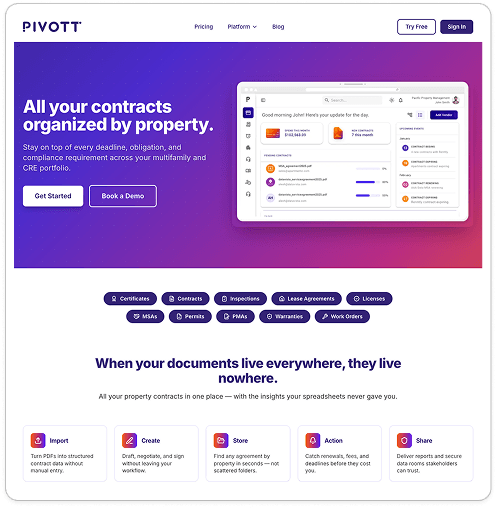
Pivott's website has been our public face since the beginning. It introduced the platform to new users, explained what we do, and made the case for why contract lifecycle management in multifamily deserved a purpose-built solution.
Over time, it became harder to keep pace with what the product had become. So, we've rebuilt pivott.io from the ground up. The new site loads faster, is easier for you to navigate, and has the foundation to support dedicated pages for every part of the platform moving forward. It also aligns with the design system we use inside the app — so the experience of moving from the website to the platform feels natural and consistent.
A refreshed login experience
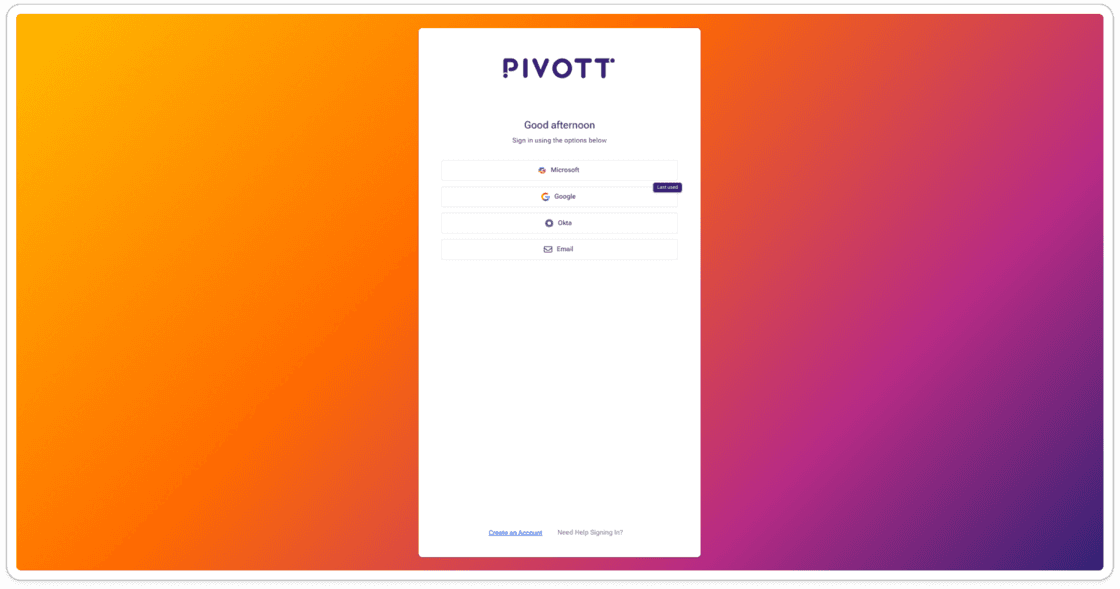
The login page is a small point in your day as a user, but it's one that sets the tone. The updated design brings it in line with our product vision — clean, polished, and professional yet fun.
A brand new dashboard
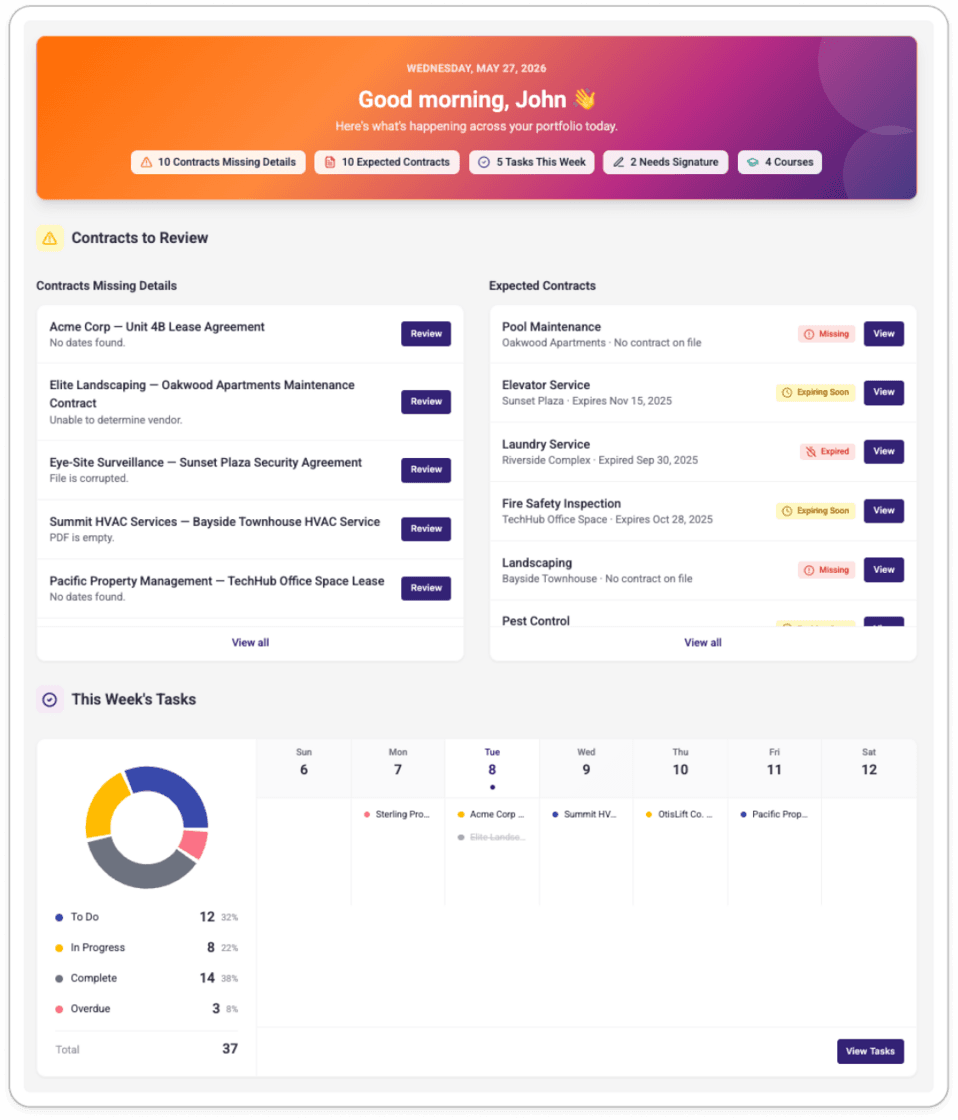
The most meaningful change in these updates is Pivott's new dashboard, for our daily users.
Until now, logging into Pivott landed you on the Properties page. That made sense early on, but as the platform has grown — contracts, tasks, signatures, expected contracts, spend tracking, and more — a more purposeful starting point became necessary.
The new dashboard is your home base as a community manager, regional manager, or director: a single, at-a-glance view of everything that needs your attention and everything happening across your portfolio. When you log in, the dashboard is the first thing you see.
What's on the dashboard
The dashboard is organized into sections that reflect how you actually work.
Contracts to Review surfaces contracts where AI extraction needs your input, alongside any missing or expired Expected Contracts across the properties you manage. You can drag and drop a contract file directly onto an expected contract row to upload and kick off processing — no navigation required.
This Week's Tasks gives you a full view of your task workload for the current week. A donut chart breaks down tasks by status on the left. A seven-day calendar grid runs on the right, with every task one click away from its associated contract, vendor, or property.
Your Contracts at a Glance shows contracts expiring in the next 30 days that don't already have a task in progress. Expiry tags are color-coded. There's also a Quick Upload zone for submitting a contract for AI processing without leaving the dashboard.
Signatures+ (for organizations with the add-on) surfaces all documents that either require your signature or were sent by you.
Scoped to your permissions
Every section on the dashboard shows only the data you have permission to access. Community Managers see their properties. Regional Managers see across their portfolio. Nothing outside your scope will appear.
Customizable
You can show or hide any dashboard section to keep your view focused on what matters most. Hover over the banner, click Customize Dashboard, and toggle the sections you want. Your preferences are saved to your account.
An updated navigation
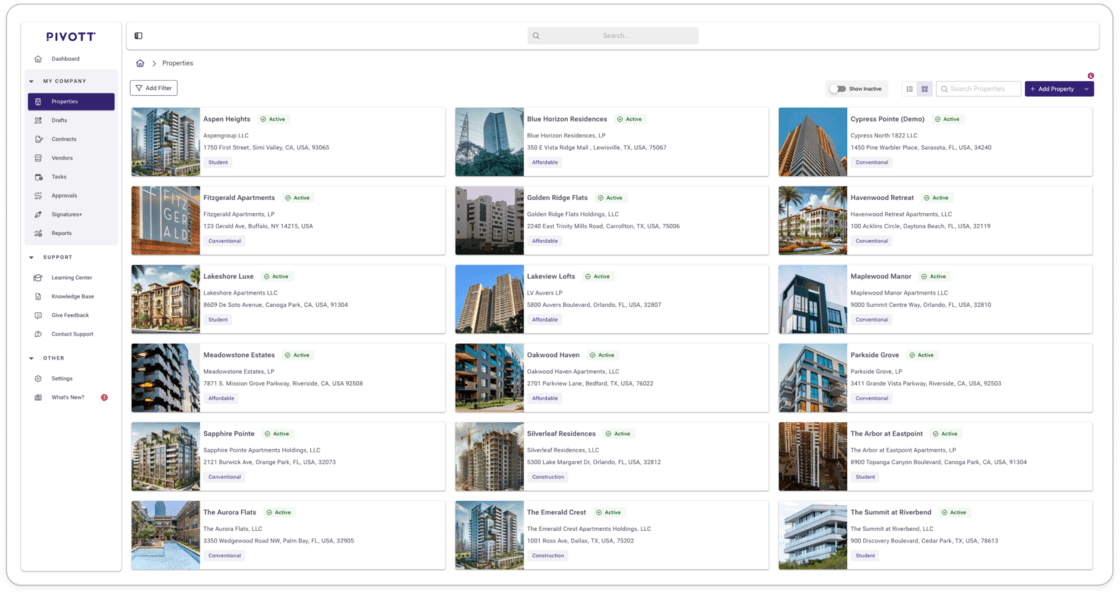
Alongside the dashboard, we've updated the navigation and sidebar design across the app. The changes tighten the visual hierarchy and reduce the visual weight of the menu so it stays out of the way while you work.
It's the kind of update that's easy to overlook — until you try to go back to the way things were before.
Why this matters for multifamily & CRE
Multifamily & CRE operators manage a high volume of contracts across dozens or hundreds of properties. Most of the software they've had access to wasn't built with that reality in mind — tools designed for other industries, adapted imperfectly, creating workflows that feel like workarounds rather than solutions.
Pivott was built specifically for this space. The design updates in this release reflect that commitment in a concrete way: a website that explains the platform clearly, an app that starts you in the right place, and a dashboard that turns a complex portfolio into a manageable daily view.
The goal has always been to make contract management feel less like administrative overhead and more like a natural part of how multifamily operations run. We hope this release gets us closer to that goal, little by little.
Available now
The new website is live at pivott.io. The login page, dashboard, and updated navigation are rolling out to users this week. Thanks to everyone at Team Pivott, and all our users who gave us feedback, for helping make this a reality.
If you'd like a walkthrough of the new dashboard or have questions about what's changed, reach out to our team or use the Give Feedback widget on the dashboard. We'd love to hear what you think.
Ready to automate?
See how Pivott helps multifamily teams manage contracts, compliance, and vendor documents in one place.
Book a Demo